











The Bikosport mobile application gives users in Tanzania access to sports betting from a smartphone. The Android version is distributed as an APK file, which can be downloaded from the official website and installed manually. Before starting, check that you have a stable connection, enough storage space, and access to your device settings.
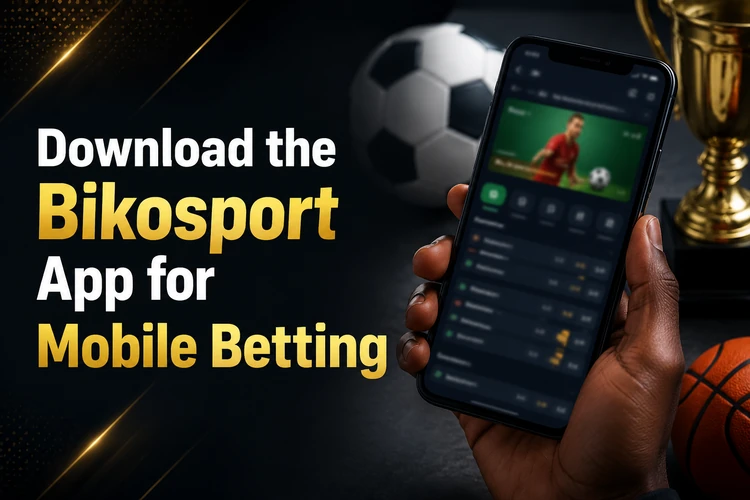
After installation, existing users can sign in with their usual account details. The interface is adapted to smaller screens, so account tools, event listings, and the bet slip can be reached without relying on a desktop browser. Available functions may depend on the current app release and account settings.
Why Use the Bikosport Mobile App
The mobile application provides direct access from the phone's home screen and avoids entering the website address for every visit. It is designed for touch controls and can make it easier to review events, open the bet slip, and check account activity on a smaller display.
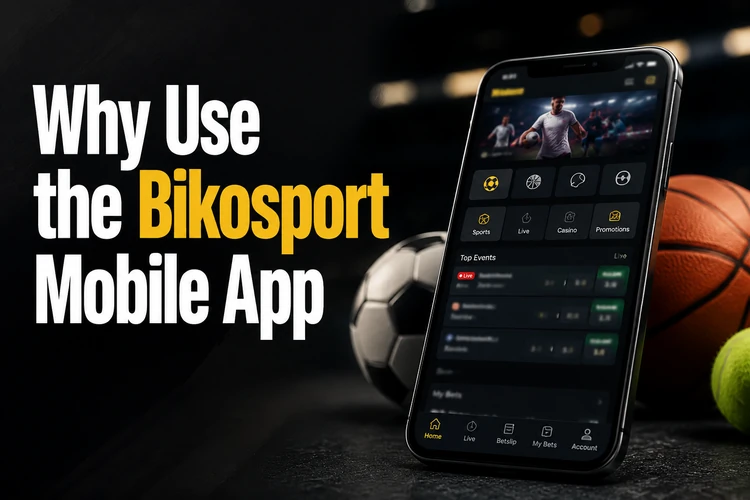
Depending on the version, users may be able to follow live events, view changing odds, manage selections, and review betting or transaction records from the profile area. If notifications are offered, Android will ask for permission before enabling them. They can later be changed in the phone's notification settings.
How to Download the Application
Bikosport distributes its Android application as an APK file. Because an APK is installed outside the Play Store, Android may request permission from the browser or file manager used to open it.
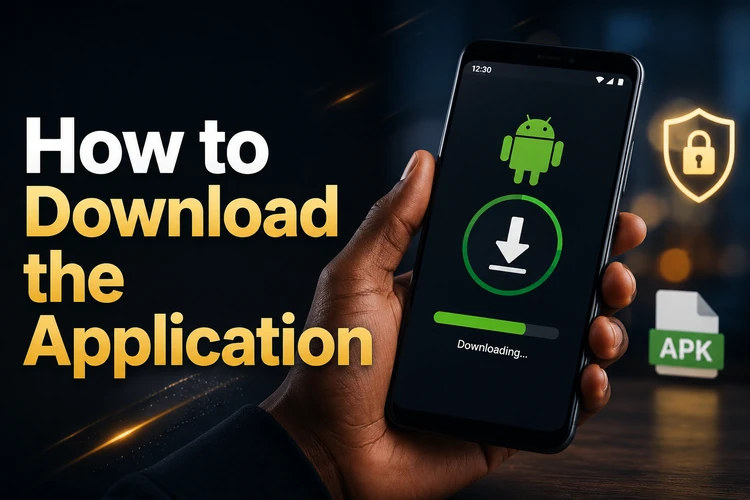
Use the following sequence to complete the download and installation:
- Open the official website in the browser on your Android phone.
- Find the application download control and confirm that the file is being provided by the official site.
- Download the current APK and wait until the browser reports that the transfer is complete.
- Open the file from the notification panel or the Downloads folder.
- If Android blocks the installation, allow that browser or file manager to install unknown apps.
- Review the installation prompt, complete the process, and open the application.
- Use the account login if you already have Bikosport credentials.
Menu names differ between Android versions and phone manufacturers. On many devices, the relevant control appears under Security, Privacy, Apps, or Special app access. Grant permission only to the application that opened the APK rather than enabling broad access for every source.
Android App Installation
Compatibility depends on the requirements shown with the current download. Before installing, compare those requirements with the Android version listed under About phone or Software information. Keep enough free space for both the downloaded file and the installed application.
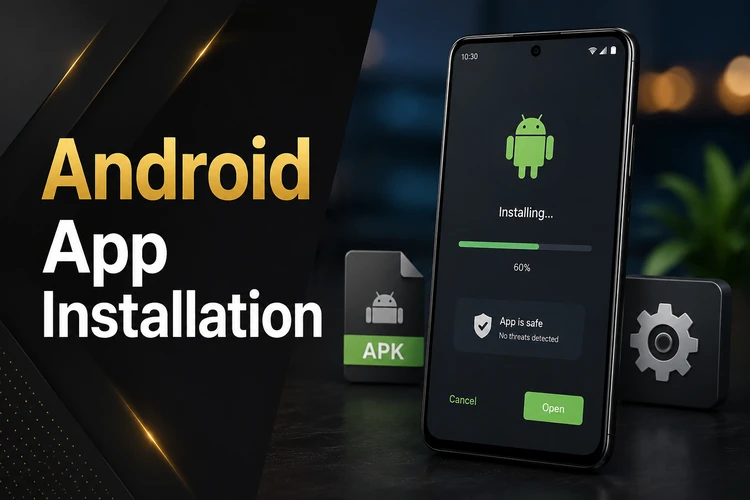
If installation fails, confirm that the APK finished downloading and that the selected browser or file manager has installation permission. A damaged or incomplete file should be deleted and downloaded again from the official source. A version conflict can also cause an error if an older installation uses different package information.
For an update, obtain the latest available APK from the same official source and open it over the installed version. Android should display an update prompt when the package is compatible. Do not delete the older installation unless the update instructions require it or troubleshooting has failed, as uninstalling may remove locally stored settings. Charge the phone or connect it to power before a large system or application update.
Access on iOS
If no dedicated iPhone or iPad download is displayed on the official website or App Store, use the mobile website in Safari instead. The browser version avoids installing an Android APK, which cannot run on iOS. Never rename an APK or use a third-party converter in an attempt to install it on an Apple device.
For quicker access, open the platform in Safari, use the Share menu, and choose the option to add the page to the home screen. This creates a shortcut rather than a native application. Browser permissions, notifications, and available features may differ from those offered by an installed Android version.
APK Download Guide
An APK is the package format Android uses to install applications. A direct APK download requires the user to open the file and approve installation, whereas an app store normally handles those steps automatically. The file should only be used on a compatible Android device.
Check the source before opening any installer. Avoid files shared through messages, unofficial repositories, or pages that imitate the platform. Android security warnings should not be dismissed automatically: confirm the source and file details first. After installation, you can remove the temporary permission to install unknown apps and delete the downloaded APK if you no longer need it.
If the phone reports a parsing error, the file may be incomplete or incompatible with the operating system. Download it again over a reliable connection and check the current requirements. Do not install an old version merely to bypass an error, because outdated releases may lack current fixes or may no longer connect correctly.
Features of the Mobile Version
The mobile version is intended to provide access to the platform's core account and sports betting tools. Depending on current availability, these can include event lists, odds, a bet slip, live markets, balance information, betting history, and profile controls. Always review the stake, selection, and displayed potential return before confirming a bet.
Account sessions should be protected with a private screen lock and credentials that are not reused on other services. Log out when using a shared phone, and do not save passwords in a browser or device you do not control. If account access becomes a concern, contact support through the official channel rather than replying to unsolicited messages.
Notifications and background activity can usually be managed through Android settings. Disabling them may reduce interruptions or mobile data use, while keeping selected alerts can help with account monitoring. Betting should remain within planned time and spending limits; the site's responsible gambling information explains practical ways to maintain control.
Frequently Asked Questions
Open the official website on an Android device and locate the application download control. Download the APK, open it from the notification panel or Downloads folder, and follow Android's installation prompts.
Compatibility depends on the requirements published for the current APK. Check your Android version under About phone or Software information and compare it with the download requirements before installing.
The draft information indicates that the application can be downloaded without a purchase. Placing bets still requires account funds, and users should review any transaction terms displayed by the platform.
An Android APK cannot be installed on an iPhone. If no native iOS application is offered through an official channel, use the mobile website in Safari and optionally add a home-screen shortcut.
Download the current APK from the official source and open it over the existing installation. If Android recognises it as a compatible update, follow the prompt without uninstalling the older version first.
Yes. Use the same account credentials you normally use for Bikosport. You should not need a separate account solely for the mobile application.